


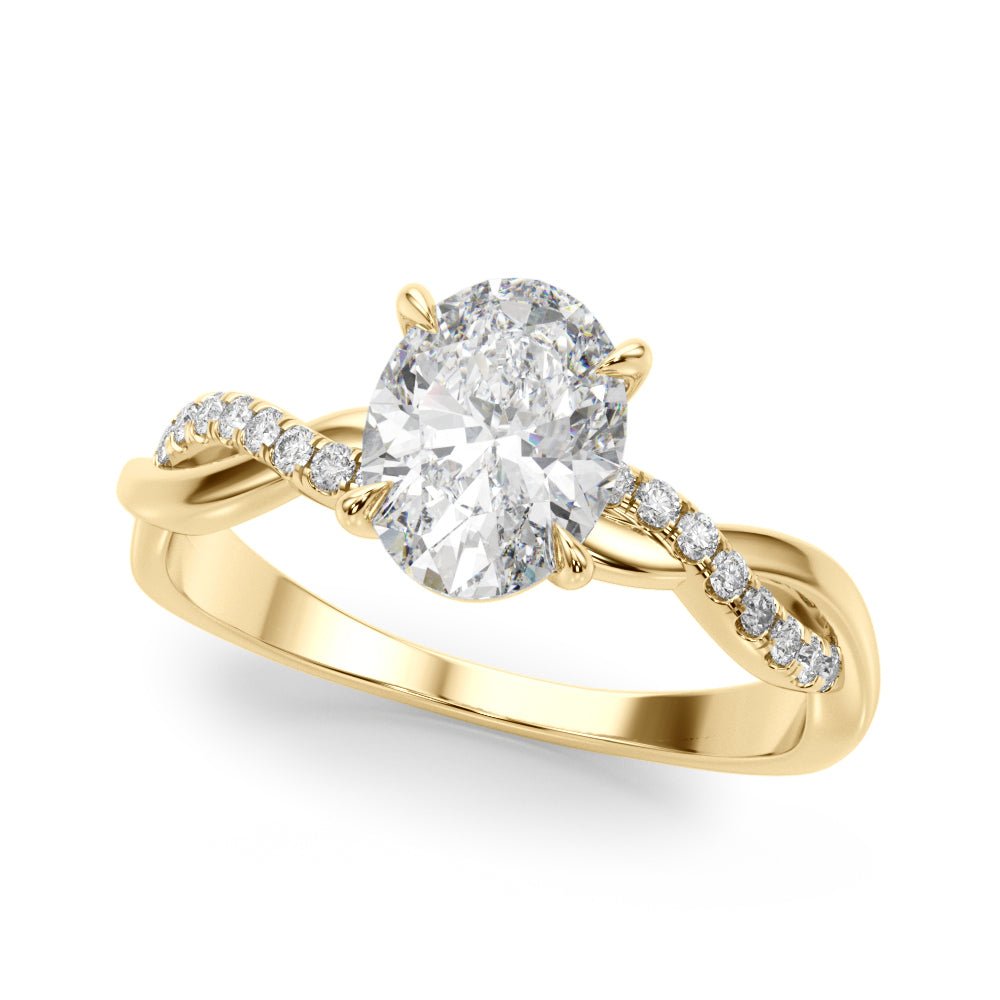
Walk into any jewelry showroom and you'll hear about the 4Cs — Cut, Color, Clarity, and Carat. They're not marketing speak. They're the four measurements that determine, more than anything else, how a diamond looks on a finger and what it costs to put it there. Understanding them gives you the language to compare stones honestly and pick the one that's actually right for you.
Cut: The One That Moves the Stone
Cut is the only C the cutter controls — and it's the C that determines how the diamond actually performs in the world. Two stones with identical color, clarity, and carat weight can look completely different depending on cut grade. Excellent cut means light enters the stone, bounces off the internal facets in the way the cutter designed, and returns to your eye as brilliance, fire (the rainbow flashes), and scintillation (the sparkle when the stone moves). Poor cut means light leaks out the side or bottom — and the stone looks lifeless even if it's perfect on paper. If you're prioritizing, prioritize cut. A 1.0ct Ideal-cut stone will outperform a 1.2ct stone with mediocre cut almost every time.
Color: Where You Can Save (Carefully)
Color grades run from D (completely colorless) to Z (light yellow). The differences between D, E, and F are nearly impossible to detect with the naked eye once a stone is set in a ring. G–H is what we call 'near colorless' — visually indistinguishable from D in most lighting, and meaningfully less expensive. We typically recommend D–F when you want absolute reference quality and G–H when you want maximum size for your budget without compromising the look. Below I, yellow tints start to show, though warmer metals like yellow gold can mask them.
Clarity: Tiny Worlds Inside
Every natural diamond contains inclusions — internal features formed under heat and pressure when the stone crystallized. Clarity grading measures how visible those inclusions are under 10x magnification. Flawless and Internally Flawless are vanishingly rare. VVS1–VVS2 (Very, Very Slightly Included) inclusions are difficult for even trained graders to see at 10x. VS1–VS2 (Very Slightly Included) is the sweet spot for most buyers — eye-clean to a casual observer, but priced reasonably. SI1–SI2 can also be eye-clean depending on inclusion placement, but you want to see the stone before committing.
Carat: Size, Not Quality
Carat is weight — one carat equals 200 milligrams. It's not a measure of size visually, but it correlates closely. Important to know: carat scales nonlinearly with price. A 2.0ct diamond is more than twice the price of a 1.0ct stone of the same quality. Why? Larger rough diamonds are exponentially rarer. Sweet spots are just under the round numbers — a well-cut 0.95ct will look essentially the same as a 1.0ct and can be meaningfully cheaper.
How to Prioritize When You Can't Have It All
If we had to rank the 4Cs by impact on how the diamond looks: Cut, then Color, then Clarity, then Carat. Most buyers reverse that order — chasing size first — and end up with a bigger but duller stone. Our recommendation: pick the carat weight you want, then go for the best cut grade you can afford, then choose color in the G–H range and clarity at VS1 or VS2. That combination consistently delivers the most beautiful diamond for any given budget.
Beyond the 4Cs
Two factors not on the grading report but worth knowing about: fluorescence (some diamonds glow blue under UV light — it can mask slight yellow tints in lower color grades, but strong fluorescence can also make a stone look milky in sunlight) and the cut proportions printed in the GIA or IGI report (depth percentage, table percentage, polish, symmetry). Ideal Cut stones have specific proportions that maximize light return. When in doubt, ask to compare two stones side by side under different lighting before deciding.
Key takeaways
Cut determines brilliance more than any other factor. Color G–H is visually indistinguishable from D once set. VS1–VS2 clarity is eye-clean. Carat scales nonlinearly with price — go just under round numbers for value. Prioritize Cut > Color > Clarity > Carat.